
Previously available as a smartphone application, the Mercedes-Benz App is now offered on the Apple Watch, making it more convenient than ever for Enterprise and Green Valley drivers like you to take advantage of features that allow you to connect and interact with your vehicle remotely. Learn how the Mercedes-Benz App works and how to set it up on an Apple Watch in this guide from Mercedes-Benz of Henderson. If you have any questions or need assistance, please don’t hesitate to give us a call at (702) 485-3000.
No matter where you live in the Boulder City or Valley Automall area, the Mercedes-Benz App on Apple Watch will seamlessly connect you to your vehicle so that you can access features and functions* such as:
Setting up the Mercedes-Benz App on your Apple Watch is easy and should only take a few minutes. Just follow the steps below:
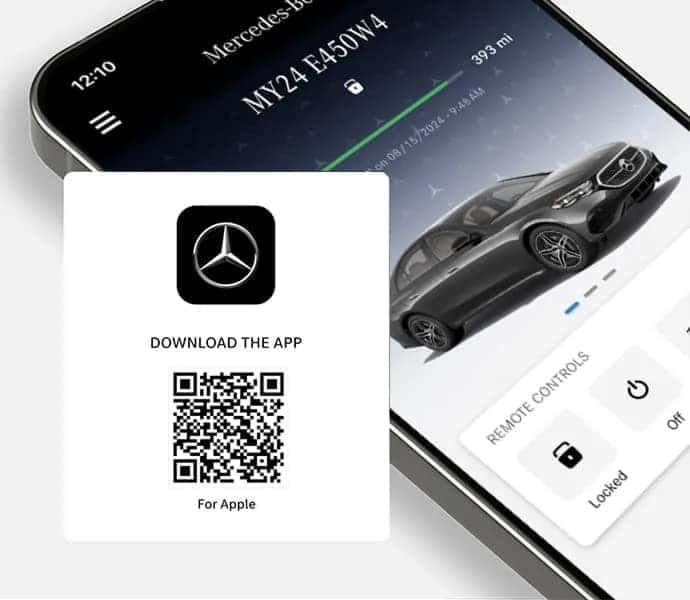
Please feel free to contact us If you have any questions about the Mercedes-Benz App or need help setting up the Mercedes-Benz App on your Apple Watch. Our team is always ready to assist you. Whether it's adding MBUX profiles, connecting to Apple CarPlay®, or activating the advanced driver-assistance features of PRESAFE®, we want to ensure that you take full advantage of all of the innovative technologies built into your Mercedes-Benz. If you are interested in upgrading your Las Vegas commute with an exciting new luxury vehicle, take a moment to explore our new Mercedes-Benz inventory online, then schedule a test drive with us in Henderson today.


Chat online with our Team Members to assist you with all your automotive needs.


Speak with one of our Team Members to learn more about car buying options.


Provide us with your best email or phone number, and we’ll reach out to you!
Our dedicated team is eager to support you on your Mercedes-Benz journey.

*The availability of certain features in the Mercedes-Benz App on Apple Watch is dependent on the vehicle's model and equipment. Features such as Navigation and EV-specific functions may only be available on eligible vehicles. The Mercedes Benz Mobile App is also required, and available for 2019 and newer models. For more details on feature compatibility, please refer to your vehicle's specifications.
